Trip planning

Wanderlog Alternatives for iPhone
Compare Wanderlog, TripIt, Tripsy and Navly for group planning, booking emails, travel documents and day-by-day routes on Apple Maps.
By Navly EditorialPublished 2 min read



Wanderlog works well when friends are building the same trip across iPhone, Android and the web. If your trip starts with a pile of booking emails or a list of places you want to fit into one day, a different planner may save you time.
Which planner fits your trip?
| What you need | Start with |
|---|---|
| Plan together across iPhone, Android and the web | Wanderlog |
| Turn booking emails into one itinerary | TripIt |
| Keep travel documents and bookings together across Apple devices | Tripsy |
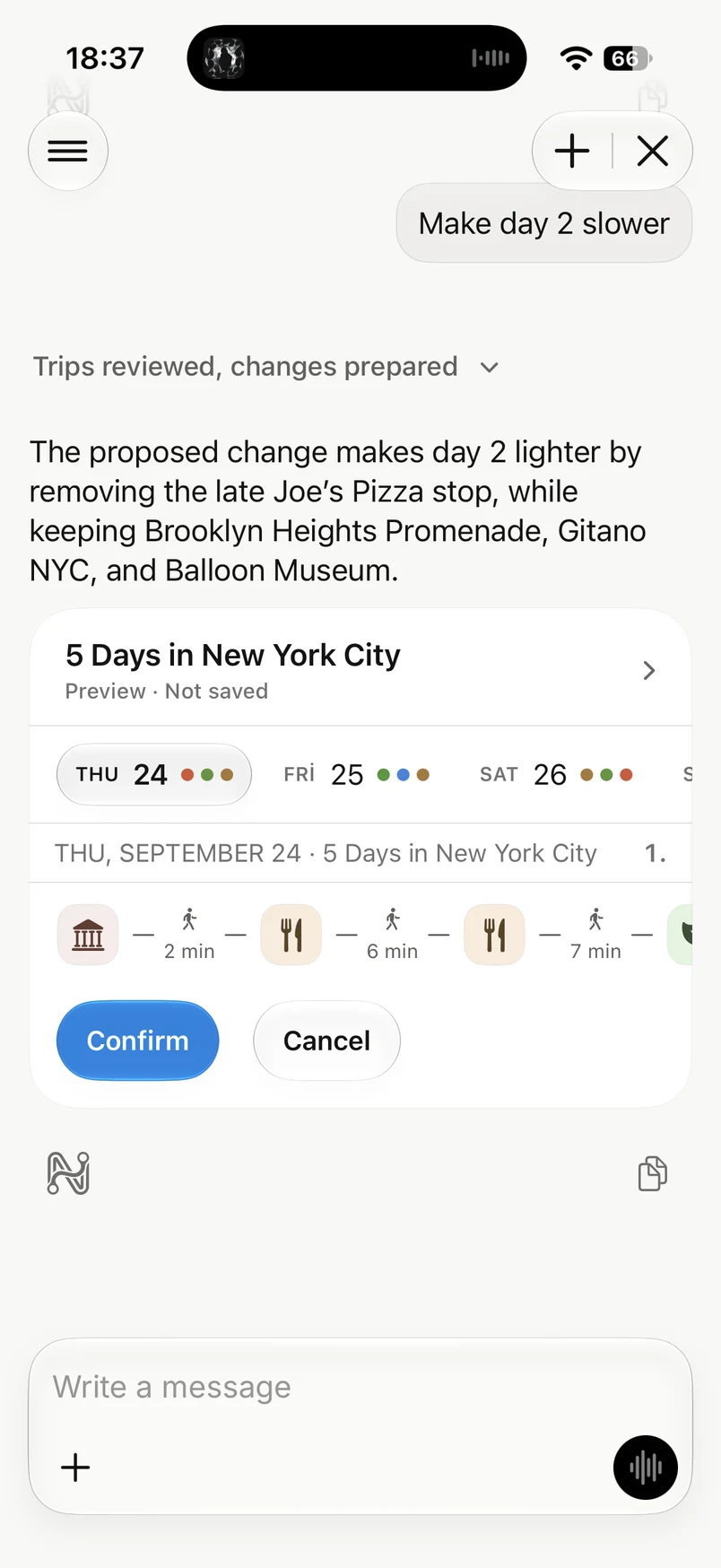
| Plan days on Apple Maps and review AI changes before applying them | Navly |
1. Who builds the plan, you or the app?
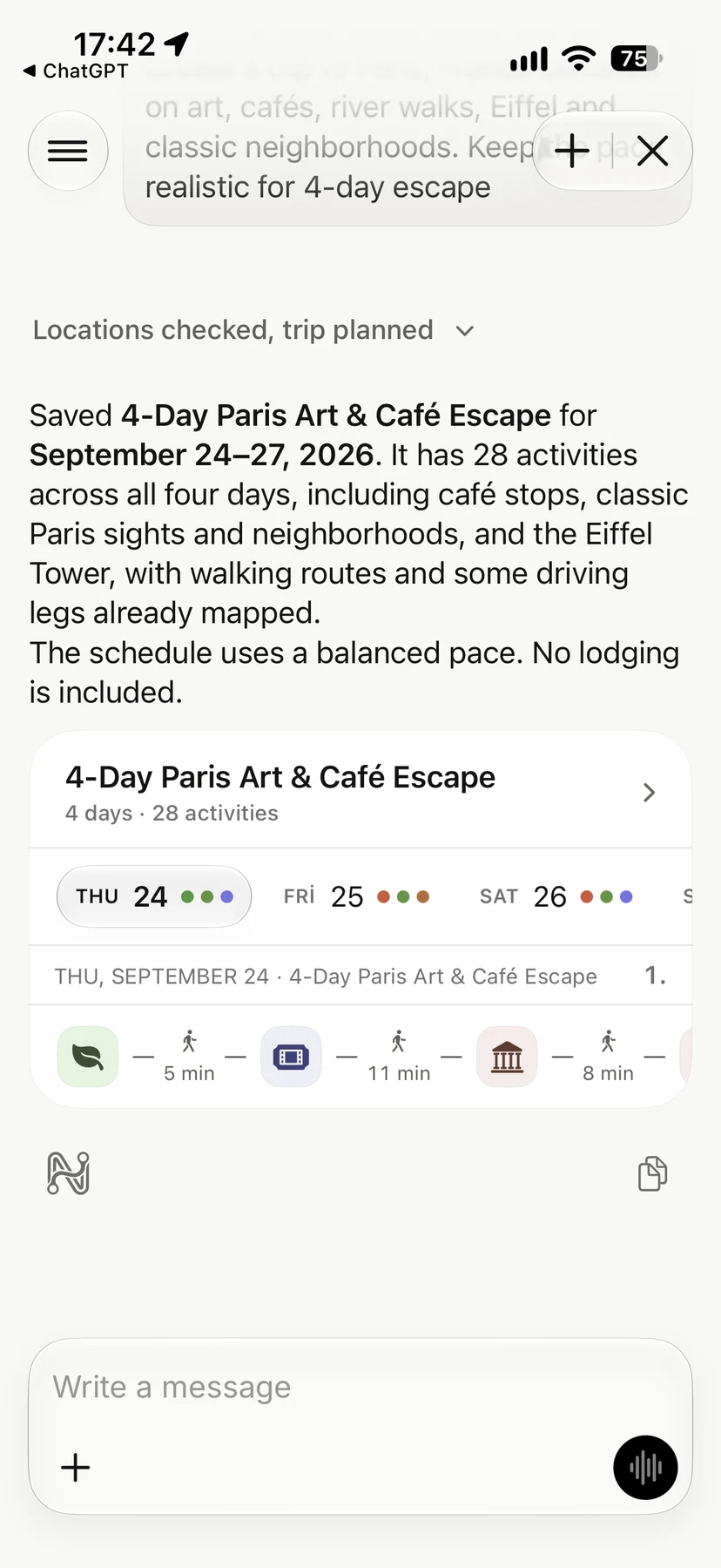
If the flights and hotels are already booked, forward the confirmations to TripIt to build an itinerary. If you are choosing places together, Wanderlog gives the group a shared itinerary and map. In Navly, you can start with a list of your own places or ask the assistant to draft the days, then approve the stops you want to keep.
2. Can you see each day on a map?
A list of good places can still make a bad day when the stops sit on opposite sides of the city. Check the order and travel time before you commit to a timed entry or a dinner reservation.
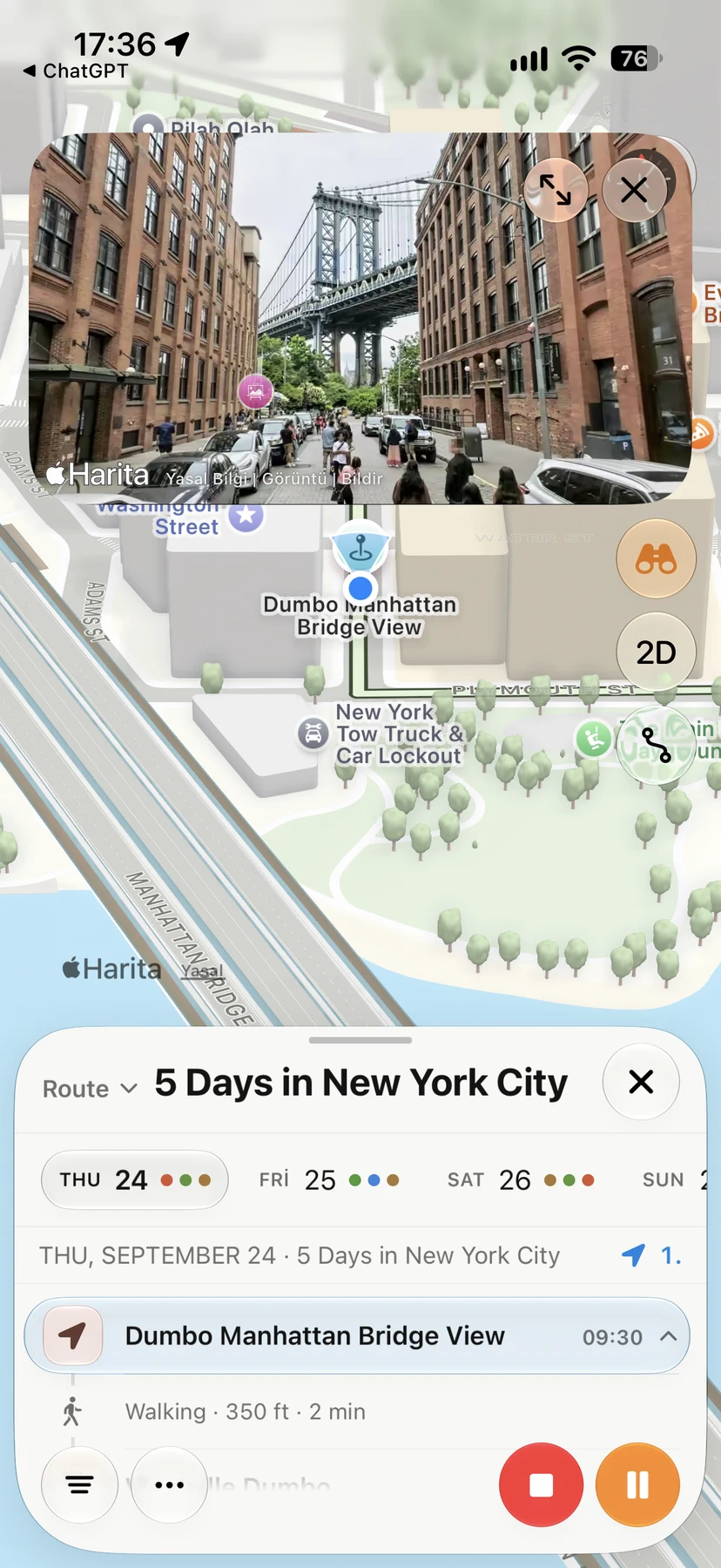
Navly shows each day on Apple Maps with the travel time between stops. You can preview a day in Istanbul in your browser or open Navly on your iPhone to plan a trip.
3. What happens when the plan changes?
Say rain changes your afternoon. In Navly, ask for an indoor stop near lunch. The travel assistant shows which stops it would add, move or remove before you decide what to apply. Supported changes can be undone.
4. Who is travelling with you, and on what phone?
- For a group with iPhone and Android phones, Wanderlog supports shared planning and TripIt works across iOS, Android and the web.
- Tripsy is built for Apple devices: iPhone, iPad and Mac.
- In Navly, you can share a link that a travel companion can open in a browser. The full trip editor runs on iPhone.
5. What do you pay for?
Check the current plan for the feature you actually need. Creating and editing trips by hand is free in Navly. AI planning is part of Pro or Max. See the current terms on the pricing page.
Make flight and hotel bookings with the provider, and check opening hours with the venue before you set off.
Questions travelers ask
What is the best Wanderlog alternative for iPhone?
It depends on the job. TripIt is strongest at organising booking confirmations, Tripsy at keeping documents and bookings across Apple devices, and Navly at turning a trip into day-by-day routes on Apple Maps with AI changes you approve first.
What can I use on the Navly website?
You can preview a day in Istanbul, draft a web itinerary and open shared plans. The full trip editor runs on iPhone.
Is Navly free?
Manual planning in Navly is free. AI planning, where Navly drafts and adjusts your trip, is part of Navly Pro or Max.
Sources to check before you go
Navly for iPhone
Ask Navly to draft the plan
Describe the trip you want. Navly proposes places and days, and you review every change before it is added to your trip.

Free manual planning. AI with Pro or Max.






Keep planning
Trip planning
How to Plan City Days by Neighborhood (and Stop Zig-Zagging)
A simple method for planning any city trip by neighborhood: cluster your saved places, give each day one area and order stops so you never double back.
Trip planning · 2 min read
Trip planning
How to Plan a Multi-City Trip Without Wasting Days
Plan a multi-city trip step by step: choose fewer bases, order cities by geography, count travel days honestly and keep each stop's days realistic.
Trip planning · 2 min read

Trip planning
Solo Travel Itinerary: How to Plan Days on Your Own
Plan a solo trip itinerary that fits your energy: a light first day, one area per day, flexible evenings, safety basics and a plan you can change as you go.
Trip planning · 2 min read