Trip planning

How to Plan City Days by Neighborhood (and Stop Zig-Zagging)
A simple method for planning any city trip by neighborhood: cluster your saved places, give each day one area and order stops so you never double back.
By Navly EditorialPublished 2 min read

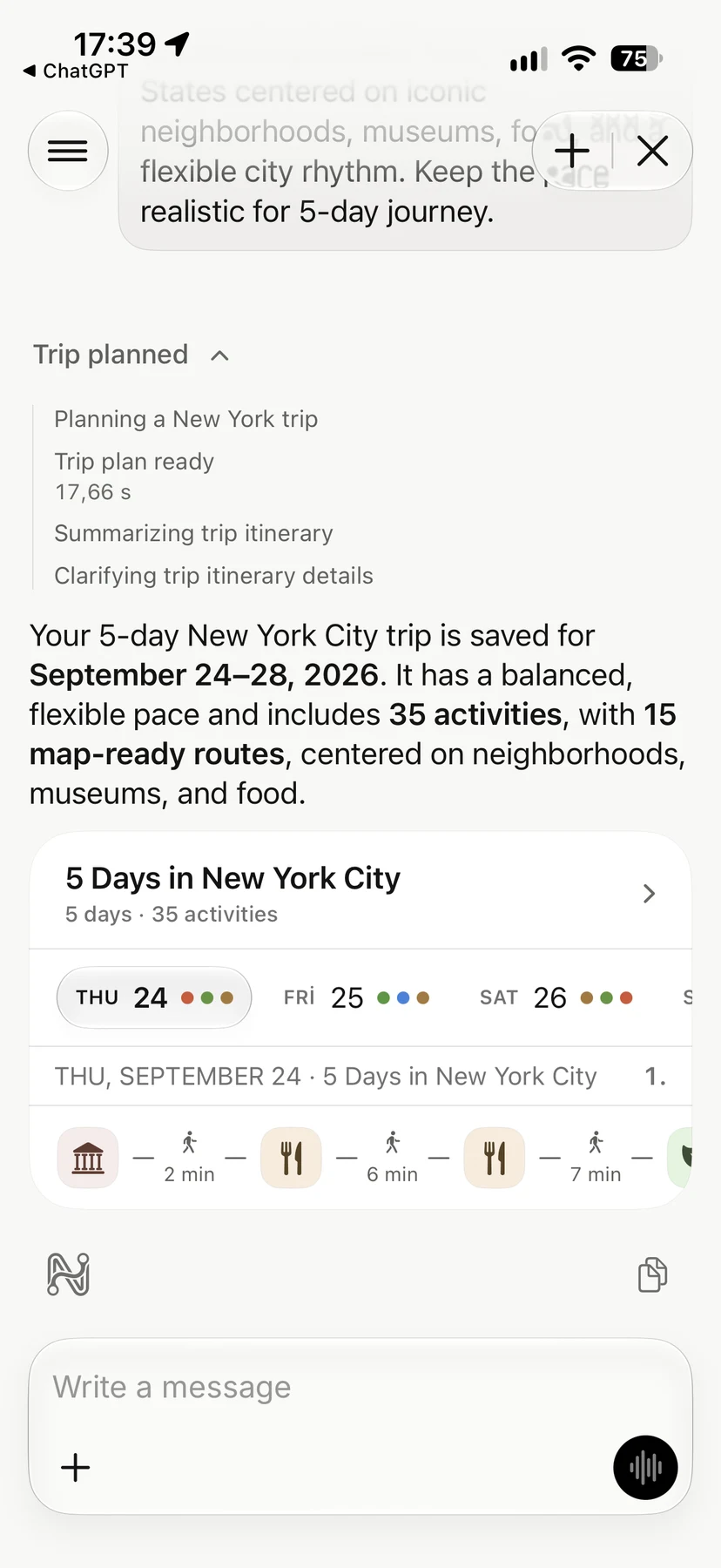


Most city itineraries fail in the same way. The list of places is good, but the order is not. A museum in the north, lunch in the south and a viewpoint back in the north turn a pleasant day into a day on public transport.
The fix is simple and works in any city: plan by neighborhood, not by attraction.
1. Put everything on one map
Start by saving every place you are interested in, such as sights, restaurants and shops, onto a single map. Do not sort them yet. Seeing them together usually reveals clusters right away.
2. Draw your clusters
Group places that are within a comfortable walk of each other. In most cities you will end up with three to six clusters: an old town, a museum area, a waterfront, a lively evening district and so on.
Watch out for things a map can hide: a river with few bridges, a steep hill or a busy highway. Two places can be close in a straight line and far apart on foot.
3. Give each day one cluster
Assign one cluster to each day, or two neighboring clusters on a long day. Put your must-see place at the center of its day, not squeezed in at the end.
4. Order stops in one direction
Within a day, arrange the stops as a line or a loop, never back and forth. A good pattern is:
- morning: the place with timed entry or the biggest crowds
- midday: a walk through the neighborhood with lunch on the way
- evening: somewhere close to dinner or to where you are staying
5. Check the real walking time
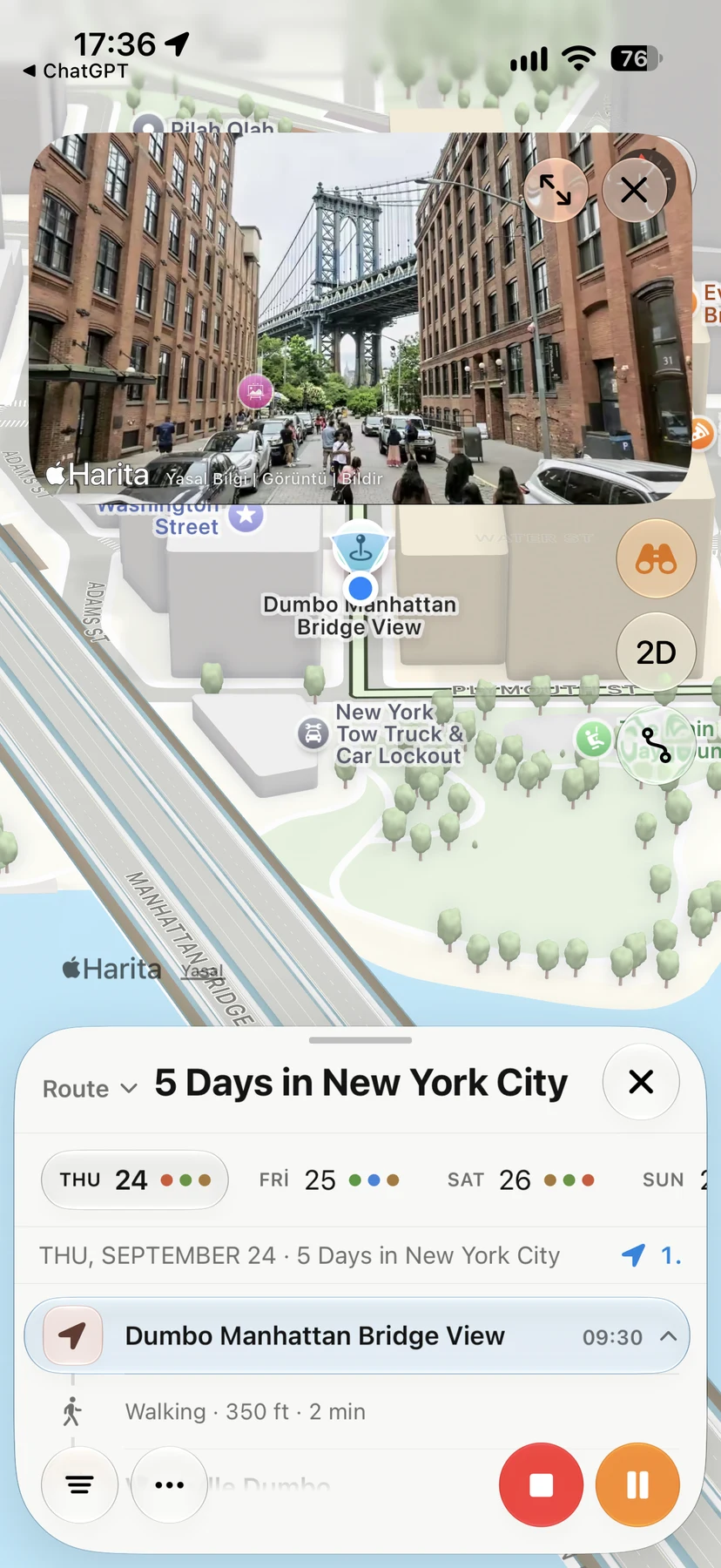
Look at the actual route between stops, not just the distance. Hills, stairs and crossings change how long a walk takes and how tiring it is. Measured routes, like the walking routes on this blog, help you set realistic expectations.
6. Keep one backup per day
For each day, note one nearby alternative for bad weather or a closed sight, such as a covered market, a museum or a café. Then a change of plan does not mean rebuilding the day.
An example
In Istanbul, you could give one day to the historic peninsula, one to Karaköy, Galata and Cihangir, and one to the Bosphorus shore from Beşiktaş to Bebek. Each day has short walks, and the few transfers happen at the start or end of the day. Our Istanbul neighborhood guides show how that looks on a map.
Let the map do the work
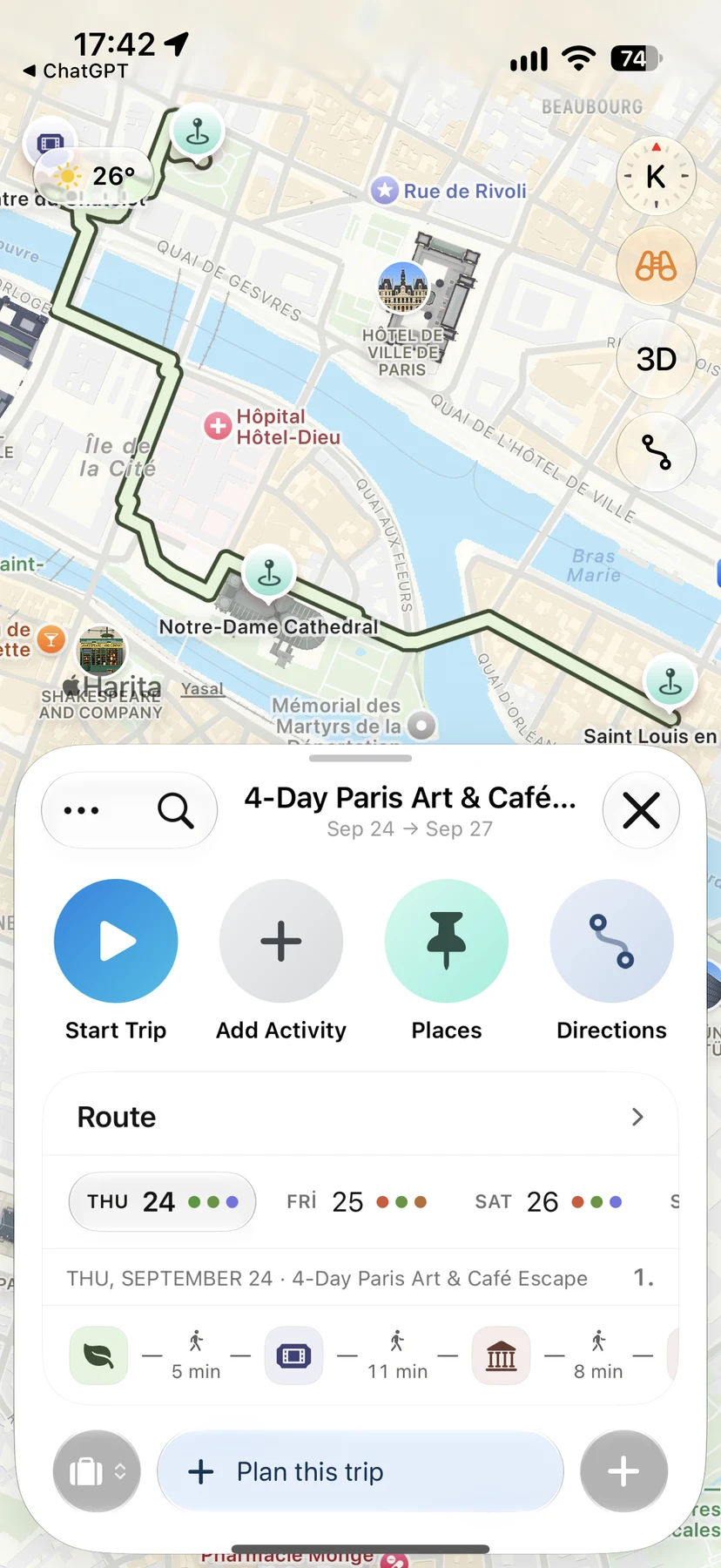
This is how Navly's trip map works: save places, see them grouped on the map and turn each cluster into a day with a route you can follow on your iPhone.
Navly for iPhone
Ask Navly to draft the plan
Describe the trip you want. Navly proposes places and days, and you review every change before it is added to your trip.

Free manual planning. AI with Pro or Max.






Keep planning
Trip planning
How to Plan a Multi-City Trip Without Wasting Days
Plan a multi-city trip step by step: choose fewer bases, order cities by geography, count travel days honestly and keep each stop's days realistic.
Trip planning · 2 min read

Trip planning
Solo Travel Itinerary: How to Plan Days on Your Own
Plan a solo trip itinerary that fits your energy: a light first day, one area per day, flexible evenings, safety basics and a plan you can change as you go.
Trip planning · 2 min read
Trip planning
How to Plan a Trip with Apple Maps (and When You Need More)
Use Apple Maps to plan a trip on iPhone: save places in Guides, preview streets with Look Around, get directions and know where a day-by-day planner helps.
Trip planning · 2 min read