Trip planning

How to Plan a Multi-City Trip Without Wasting Days
Plan a multi-city trip step by step: choose fewer bases, order cities by geography, count travel days honestly and keep each stop's days realistic.
By Navly EditorialPublished 2 min read

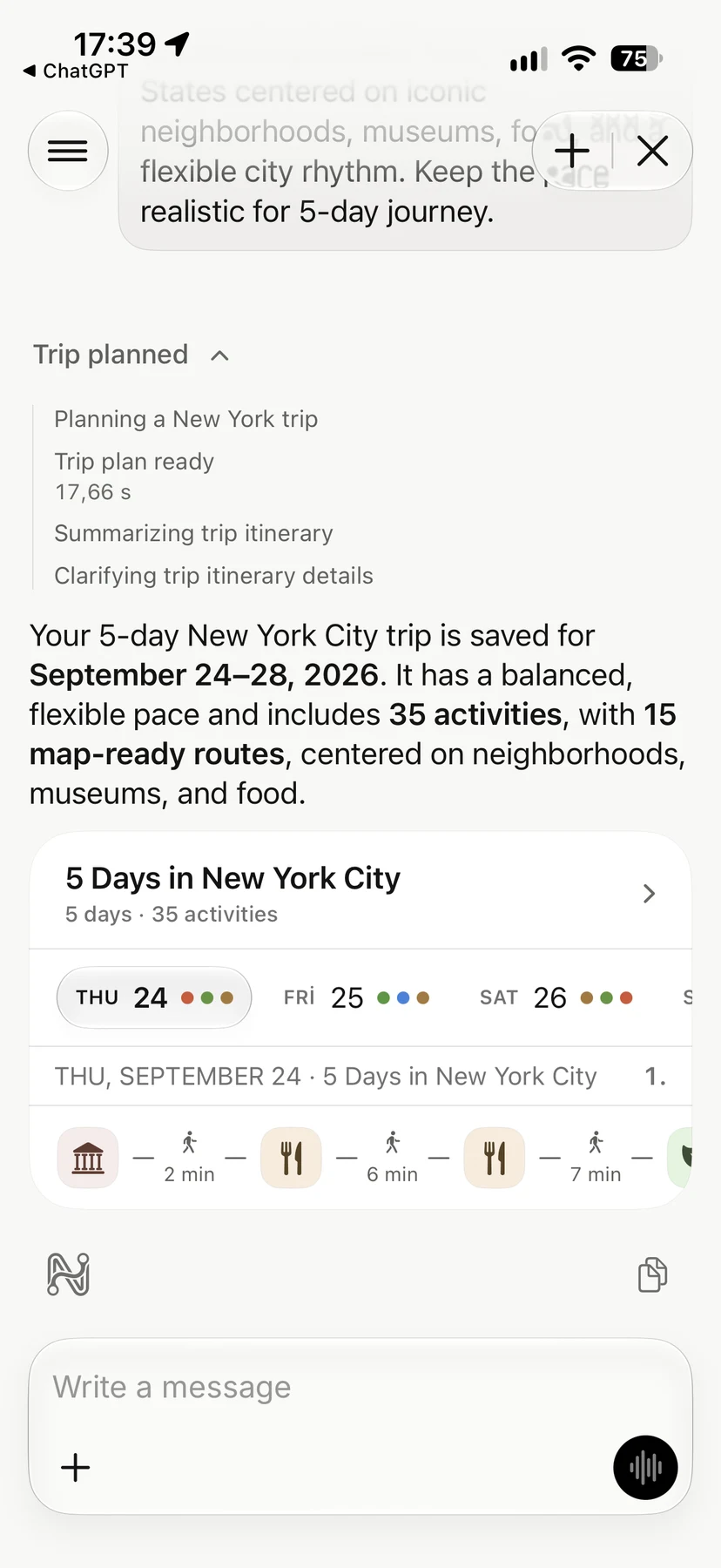


A multi-city trip looks great on a list: four cities in ten days. In practice, every move costs a morning or afternoon, sometimes more. You check out, get to the station or airport, travel, find the new hotel and learn a new neighborhood.
The goal is not to see as many cities as possible. It is to spend most of your trip in places, not between them.
1. Count travel days honestly
Every change of city takes about half a day, even on a short train ride. A flight with airport transfers often takes most of a day.
A quick test: subtract half a day for each move from your total trip length. What is left is the time you actually have for the cities. If that number feels small, drop a city.
2. Choose fewer, longer stops
Two or three nights per city is a useful minimum. With one night, you arrive tired and leave early, so you see very little. If a place only fits one night, consider visiting it as a day trip from a nearby base instead.
3. Order cities by geography
Draw the route on a map before you book anything. A good route moves in one direction, a line or a loop, without doubling back.
Open-jaw tickets help. They fly into one city and out of another, so you never have to return to where you started just to catch a flight.
4. Match transport to distance
- Short hops: trains or buses usually beat flights once you add airport time.
- Long distances: flights save days, but book them with buffer time.
- Overnight options: a night train or bus can save a hotel night and a daytime travel slot, if you sleep well on them.
5. Plan each city's days separately
Once the route is fixed, plan each city as its own small trip. Group each day by neighborhood, keep the arrival day light and save the most important visit for a full day in the middle of the stay.
6. Keep everything in one timeline
Multi-city trips break down when details live in different places: flights in one inbox, hotels in another, day plans in a notes app. Put flights, transfers, stays and daily routes in one timeline. When a train is delayed, you can see what moves with it.
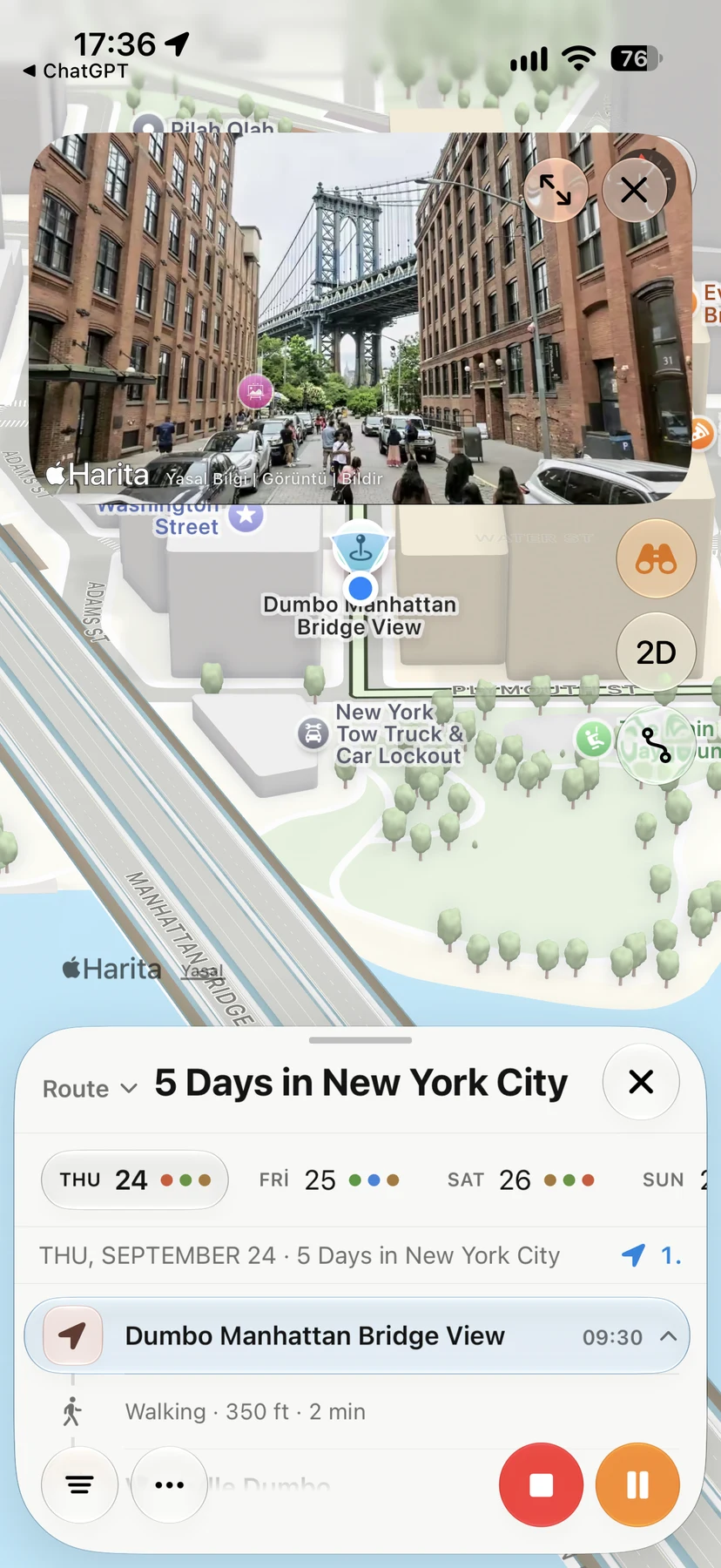
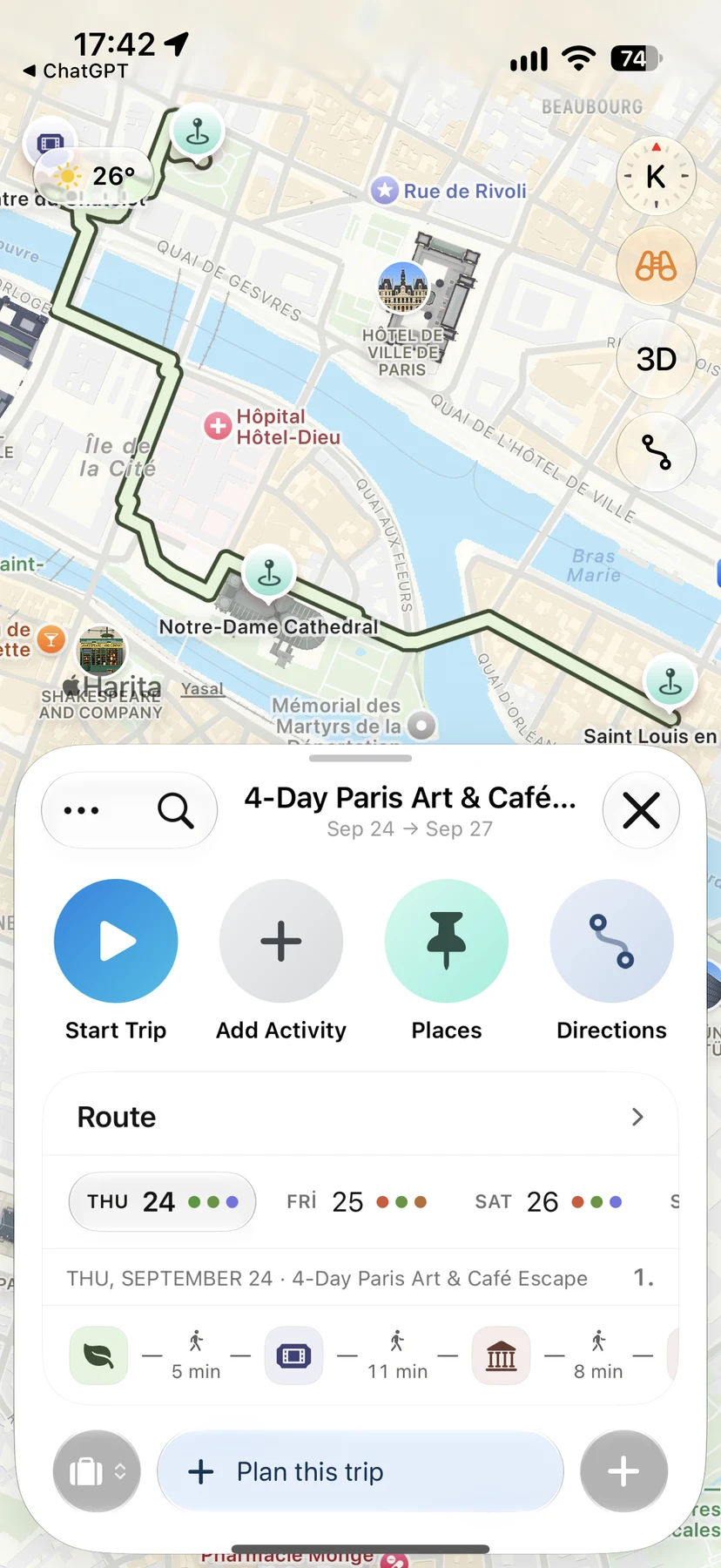
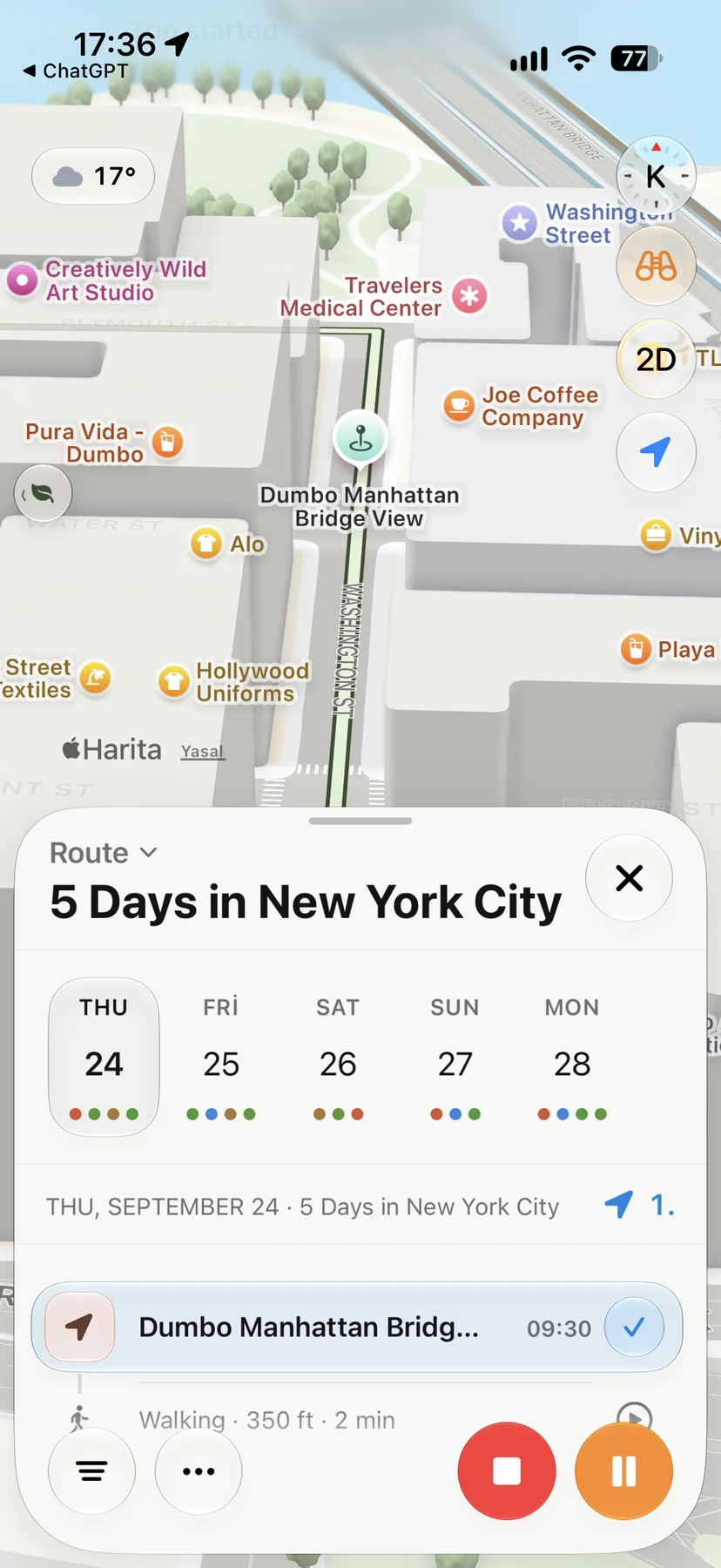
That is exactly what Navly's itinerary planner is for: one trip, every city, with each day's route on the map. To plan a single day inside each city, the route planner shows how the stops connect.
A simple template
| Trip length | Cities | Nights each |
|---|---|---|
| 7 days | 2 | 3 + 3 |
| 10 days | 3 | 3 + 3 + 3 |
| 14 days | 3–4 | 3–4 each |
Use it as a starting point, then adjust for how far apart the cities are.
Navly for iPhone
Ask Navly to draft the plan
Describe the trip you want. Navly proposes places and days, and you review every change before it is added to your trip.

Free manual planning. AI with Pro or Max.






Keep planning

Trip planning
Solo Travel Itinerary: How to Plan Days on Your Own
Plan a solo trip itinerary that fits your energy: a light first day, one area per day, flexible evenings, safety basics and a plan you can change as you go.
Trip planning · 2 min read
Trip planning
How to Plan a Trip with Apple Maps (and When You Need More)
Use Apple Maps to plan a trip on iPhone: save places in Guides, preview streets with Look Around, get directions and know where a day-by-day planner helps.
Trip planning · 2 min read
Trip planning
How to Make a Travel Itinerary: A Day-by-Day Template
Make a travel itinerary that works on the ground: a simple day-by-day template, how to order stops, how much to plan per day and what to keep flexible.
Trip planning · 2 min read