Free AI trip planner
Where are you going?
Get a day-by-day itinerary with real places and walking routes from Apple Maps. Free, and no account needed.
Explore published AI trip plans- Tell it whereA city, how many days, and what you love. That’s the whole form.
- Get real placesEvery stop is checked against Apple Maps, and the walks between them are measured.
- Keep planning in NavlyPlan on iPhone to move stops, add dinner and get directions.






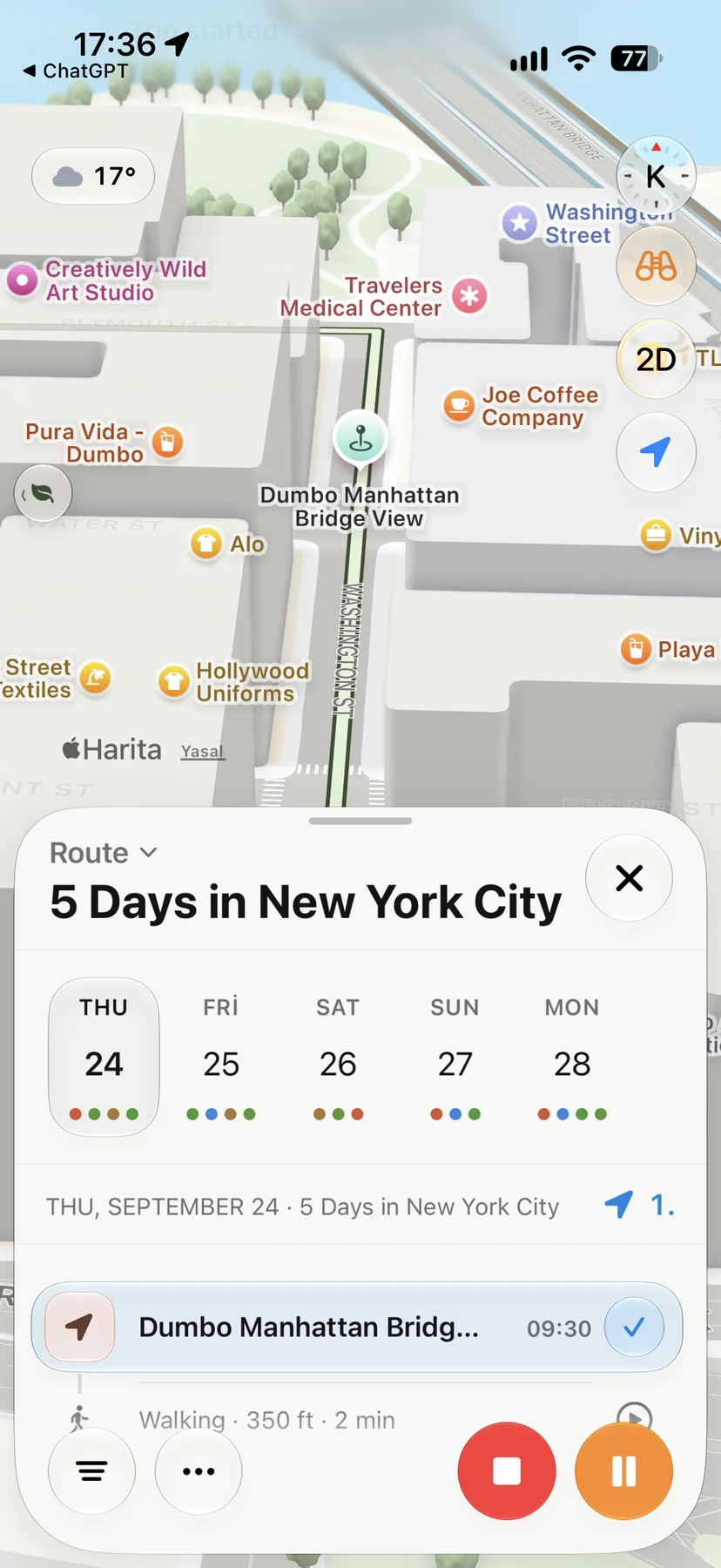
In the app
See a full Navly plan.
Three relaxed days in Manhattan, planned in the app, with every walk on the map and a real change proposal.
Explore the New York exampleQuestions before you plan
- Is the trip planner free?
- Yes. Create two new trip plans over seven days, without an account. Failed attempts and incomplete drafts don’t use a plan, and your allowance is shared across visits to this browser. Continue planning in Navly for iPhone when you want more. Published plans and existing links stay free to browse. Extra safeguards protect shared networks and keep planning available.
- Where do the places come from?
- Navly finds places on Apple Maps, then AI arranges them into days. Travel times come from Apple Maps directions. Check opening hours and booking requirements before you go.
- How long can a trip be?
- Up to three days on the web. In the app, you can plan longer trips and add flights, stays and transfers.
- Should I check opening hours?
- Yes. The plan doesn’t include opening hours or prices, so check them before you go.