








Add your flight
Choose the airports and local departure and arrival times. Add an airline, flight number or booking reference when you have it.
Flights
Keep departure and arrival airports, local times and the booking details you need alongside the rest of your trip.
Free to download. Some features require a paid pass or subscription.
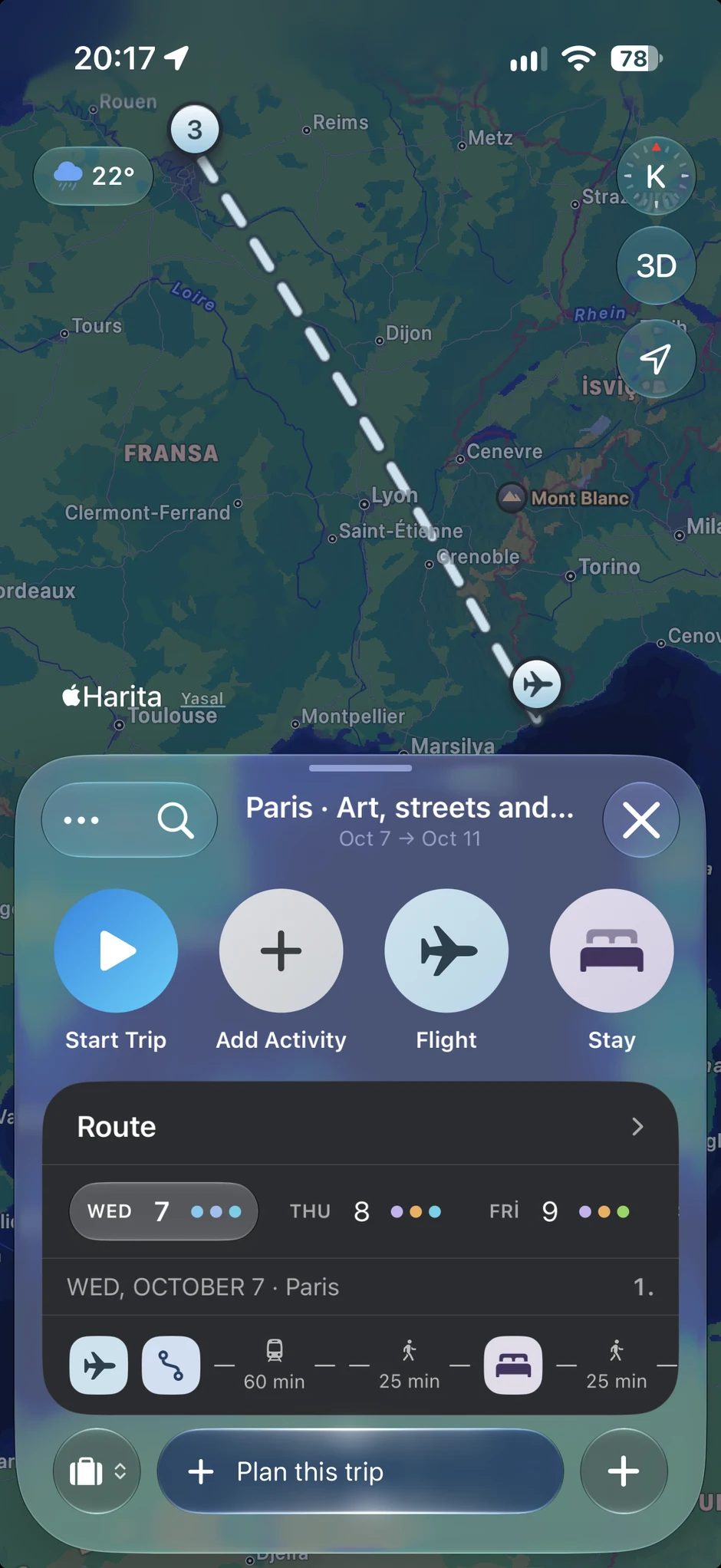
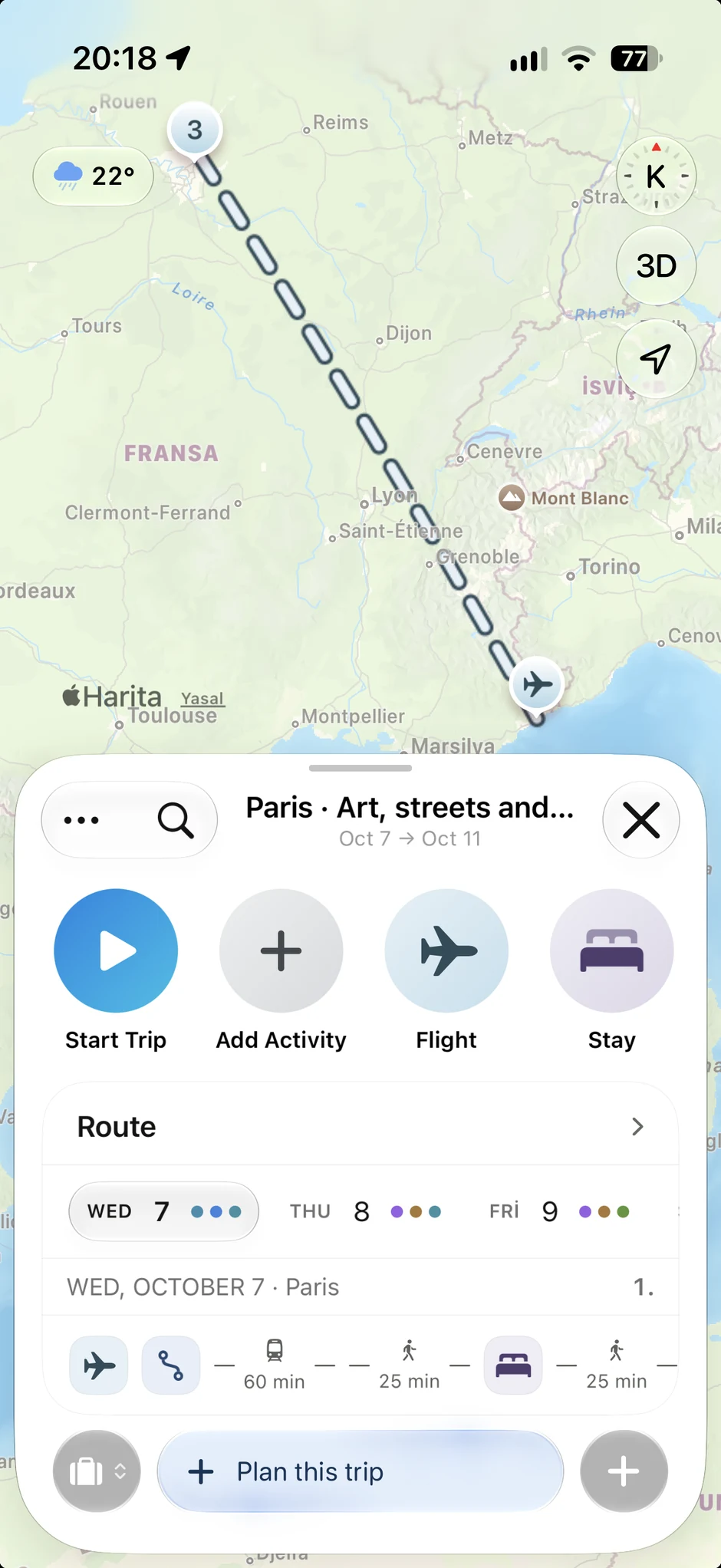
Choose the airports and local departure and arrival times. Add an airline, flight number or booking reference when you have it.
Keep the flight in the same trip as your planned stops. Check how arrival and departure affect the time you have.
Return to your flight details from the trip instead of searching through notes when you need them.
A moment from your trip
“The flight is booked. Now, what does the first afternoon look like?”
Navly keeps the information you add with your itinerary. Adding a flight does not book a ticket or provide live airline tracking.