









Find a place in your trip
Start with a stop on your map or in your itinerary. The preview belongs to that place, so you keep the day's context.
Apple Look Around
Get a feel for the streets around your next stop. Explore available Look Around imagery while your itinerary stays close.
Free to download. Some features require a paid pass or subscription.
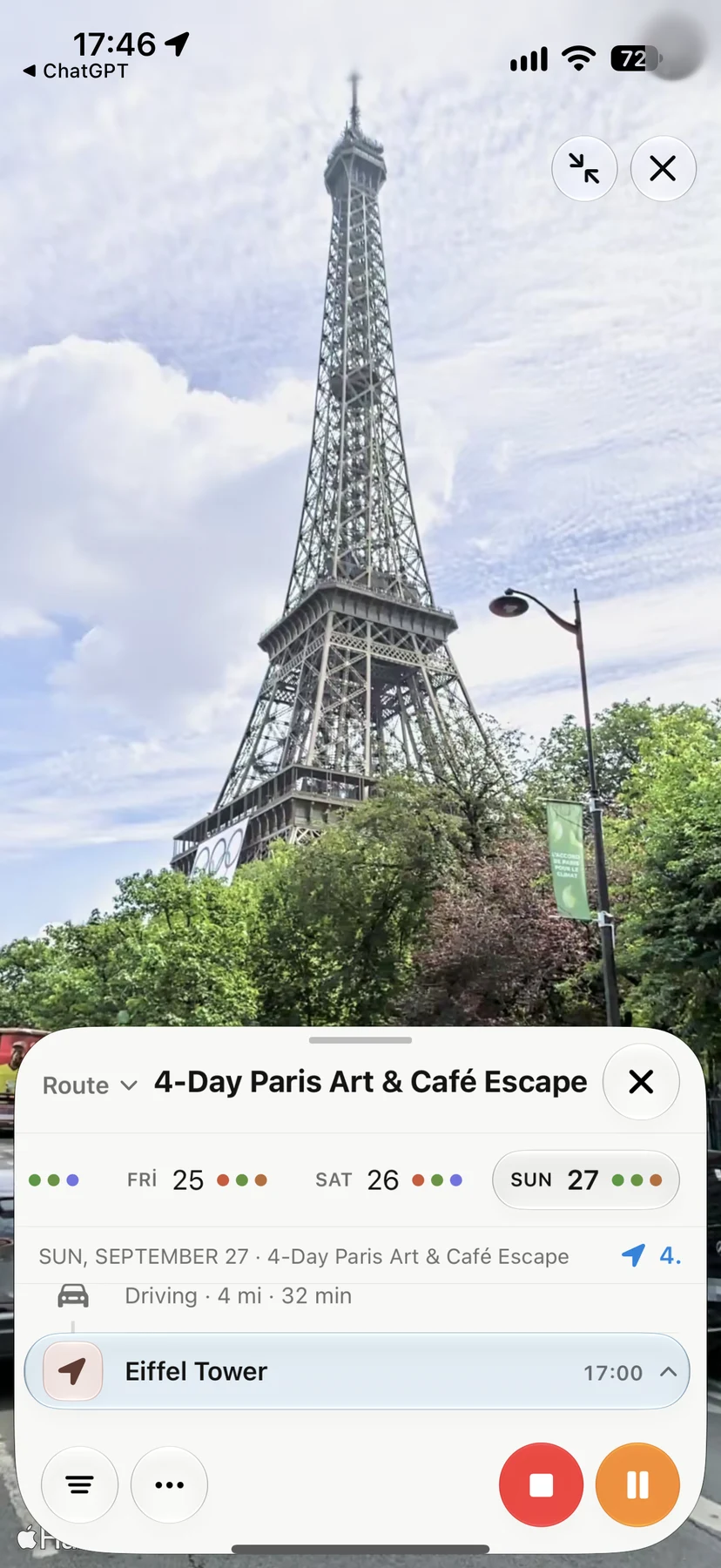
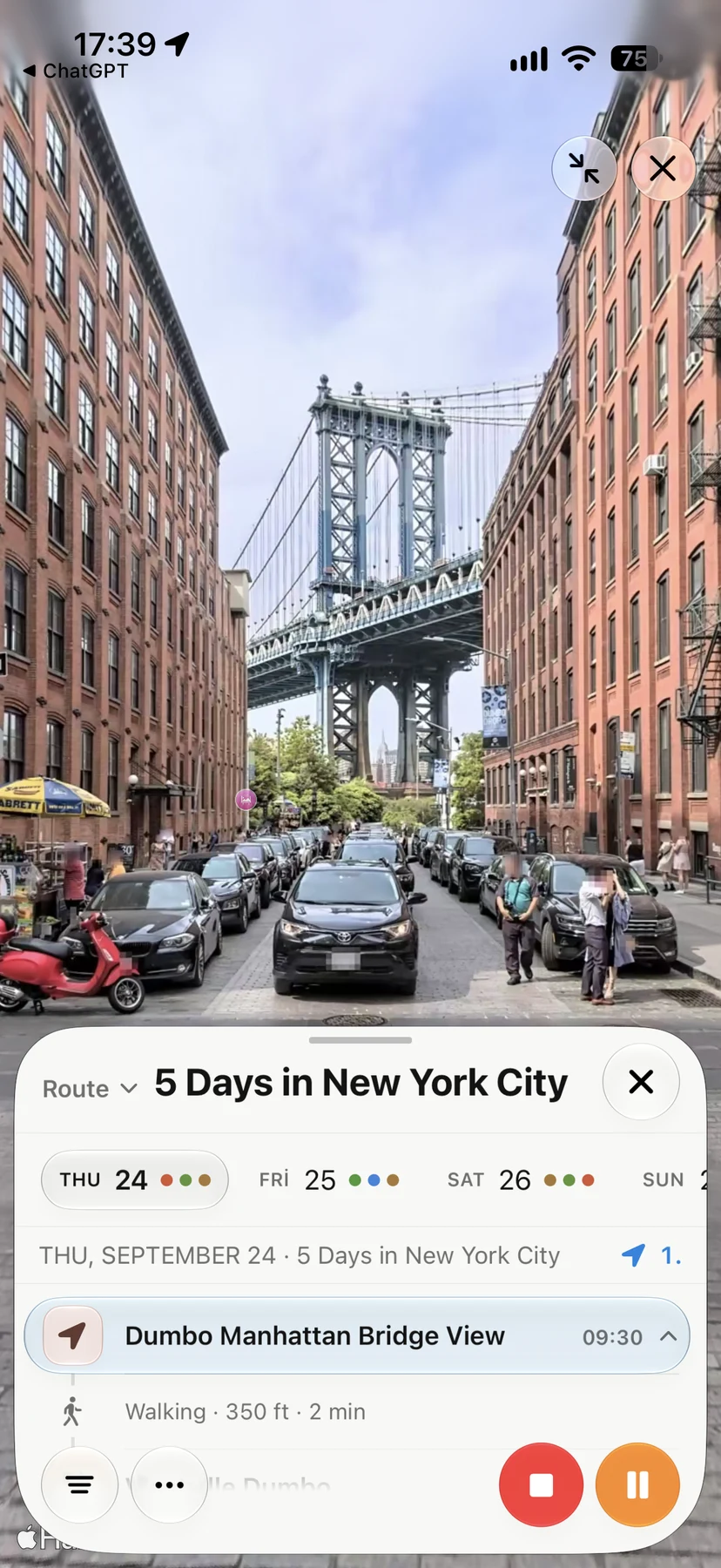
Start with a stop on your map or in your itinerary. The preview belongs to that place, so you keep the day's context.
Open Look Around where imagery is available. Take a closer look at the streets and surroundings before you arrive.
Return to your itinerary to compare another stop or continue planning. When you're ready to go, open directions in Apple Maps.
A moment from your trip
“A walk through Brooklyn, before the walk through Brooklyn.”
Look Around depends on Apple imagery and isn't available at every place. Your itinerary, place details and map remain useful wherever you're planning.