Trip planning

How to Make a Travel Itinerary: A Day-by-Day Template
Make a travel itinerary that works on the ground: a simple day-by-day template, how to order stops, how much to plan per day and what to keep flexible.
By Navly EditorialPublished 2 min read

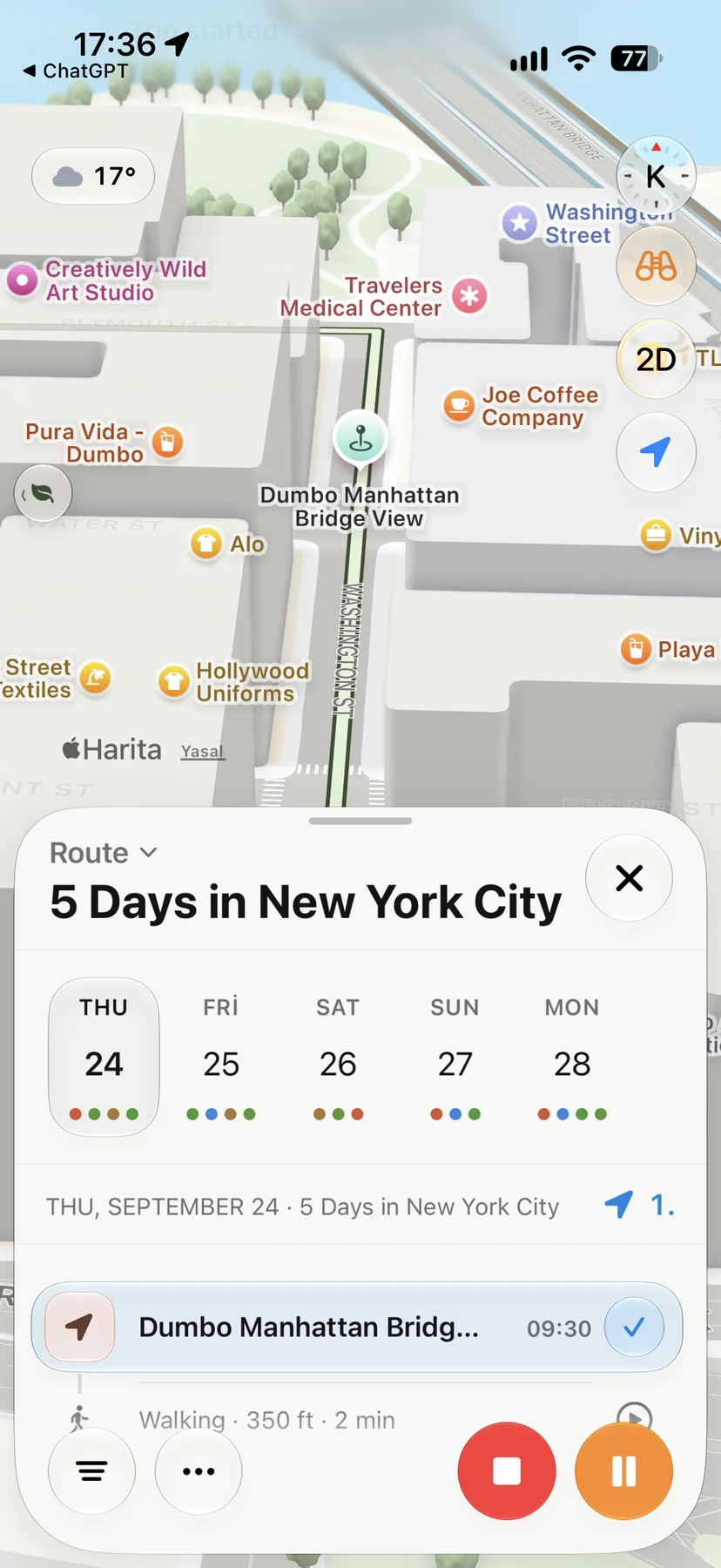



A good itinerary is not a schedule of every hour. It is a short plan for each day: where you will be, in what order, and what is fixed. Everything else stays flexible.
Here is a simple way to build one, with a template you can copy.
Step 1: Collect places first, decide later
Start by saving everything you might want to do: sights, food, shops, walks. Do not sort yet. You will cut the list later; for now you want options.
Step 2: Put them on a map
Seeing places on a map shows you the shape of the trip. Most cities break into a few clusters: an old town, a museum area, a waterfront, a neighborhood with good food. Those clusters become your days.
Step 3: Give each day one area
Assign one cluster to each day. Put the place you care about most at the center of its day. Two neighboring areas can share a long day, but avoid crossing the city and back.
Step 4: Order the stops
Within each day, arrange stops in one direction:
- Morning: timed entries and the busiest sights
- Midday: a walk with lunch on the way
- Evening: somewhere close to dinner or to your stay
Step 5: Add the fixed things
Now add flights, check-in times, train tickets and reservations. These are the only items with exact times. Check that each day still works around them.
Step 6: Leave room
Keep one free block every day, and one nearby backup for bad weather. A plan with gaps survives delays; a plan without them breaks.
A day-by-day itinerary template
| Day | Area | Morning | Afternoon | Evening | Fixed |
|---|---|---|---|---|---|
| 1 | Near your stay | Arrive, drop bags | Short walk | Dinner nearby | Flight, check-in |
| 2 | Old town | Main sight (booked) | Walk + lunch | Viewpoint | Ticket time |
| 3 | Museums / park | Museum | Park | Neighborhood dinner | – |
| 4 | Waterfront | Slow start | Walk along the water | Free | – |
| 5 | Near your stay | Breakfast | Last stop | – | Check-out, transfer |
Copy it into a note or spreadsheet, or build it directly in an app.
Keep it in one place
Itineraries fall apart when flights are in your inbox, hotels in another app and day plans in a note. Keeping everything in one timeline means a change in one place shows up everywhere else.
Navly's itinerary planner is built for this. You add places, and Navly lays out each day with the stops in order and the route between them on Apple Maps. Flights, stays and reservations sit in the same timeline. Manual planning is free.
Questions travelers ask
How many activities should I plan per day?
Two or three main stops a day is a comfortable rhythm for most city trips, with meals and walks in between. More than that usually means rushing or dropping something.
Should I plan every hour of my trip?
No. Fix the few things that need it, such as bookings and transport, and leave the rest as an ordered list of stops. Gaps give you room for delays and discoveries.
What is the best app to make a travel itinerary?
Look for an app that keeps days, places, routes and bookings together and shows each day on a map. Navly does this on iPhone, with free manual planning and optional AI help.
Navly for iPhone
Turn this into a day-by-day itinerary
Add the places you want and Navly lays out each day with the stops in order and the route between them on Apple Maps.

Free manual planning. AI with Pro or Max.




Keep planning

Trip planning
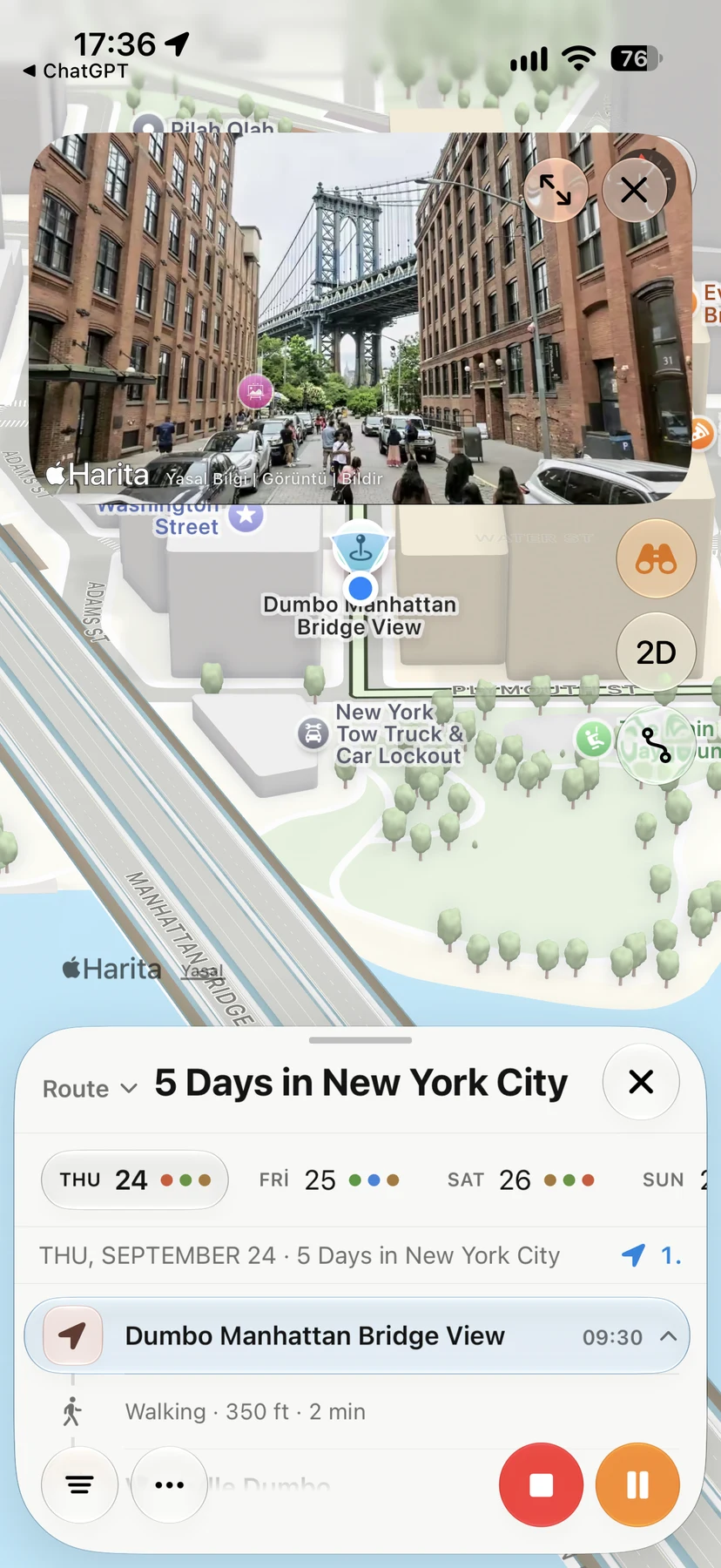
Solo Travel Itinerary: How to Plan Days on Your Own
Plan a solo trip itinerary that fits your energy: a light first day, one area per day, flexible evenings, safety basics and a plan you can change as you go.
Trip planning · 2 min read
Trip planning
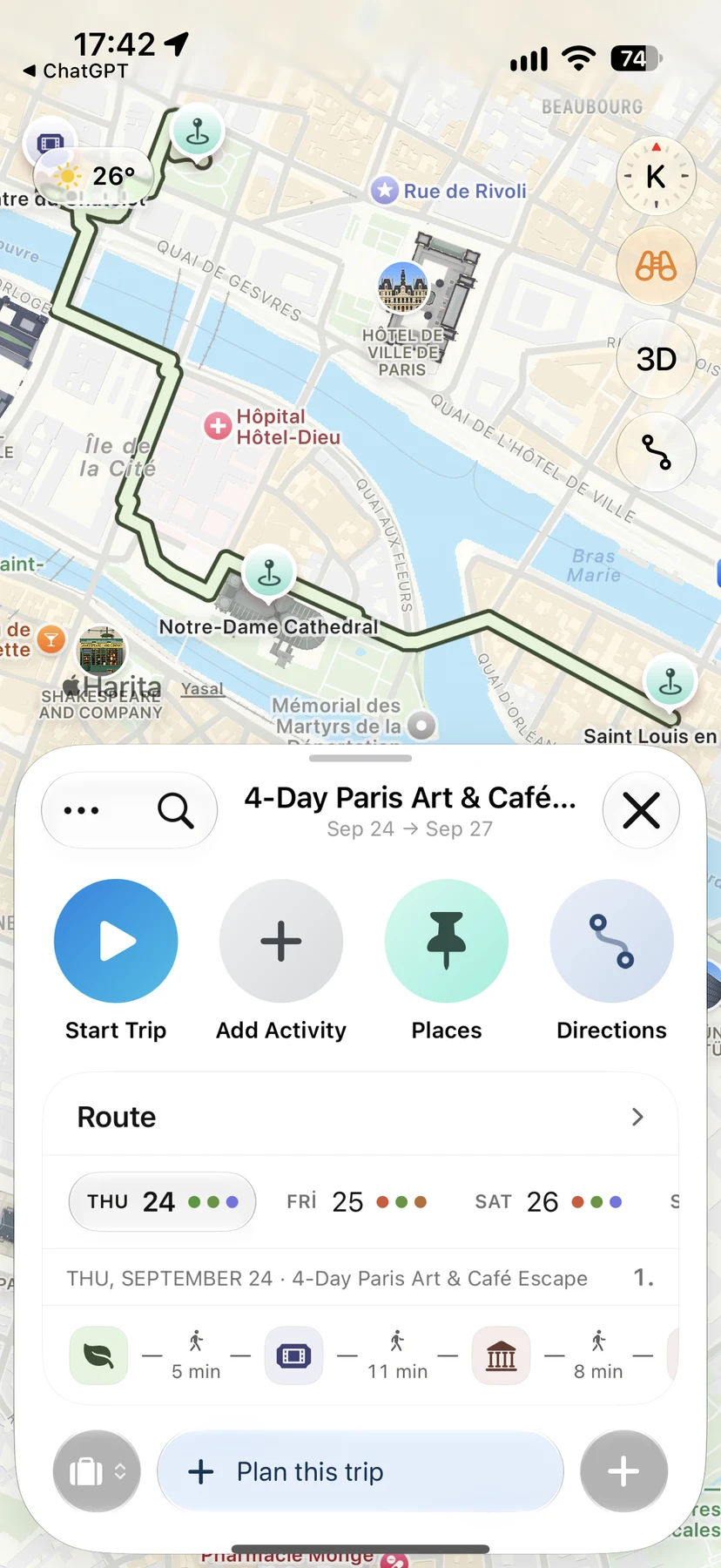
How to Plan a Trip with Apple Maps (and When You Need More)
Use Apple Maps to plan a trip on iPhone: save places in Guides, preview streets with Look Around, get directions and know where a day-by-day planner helps.
Trip planning · 2 min read

Trip planning
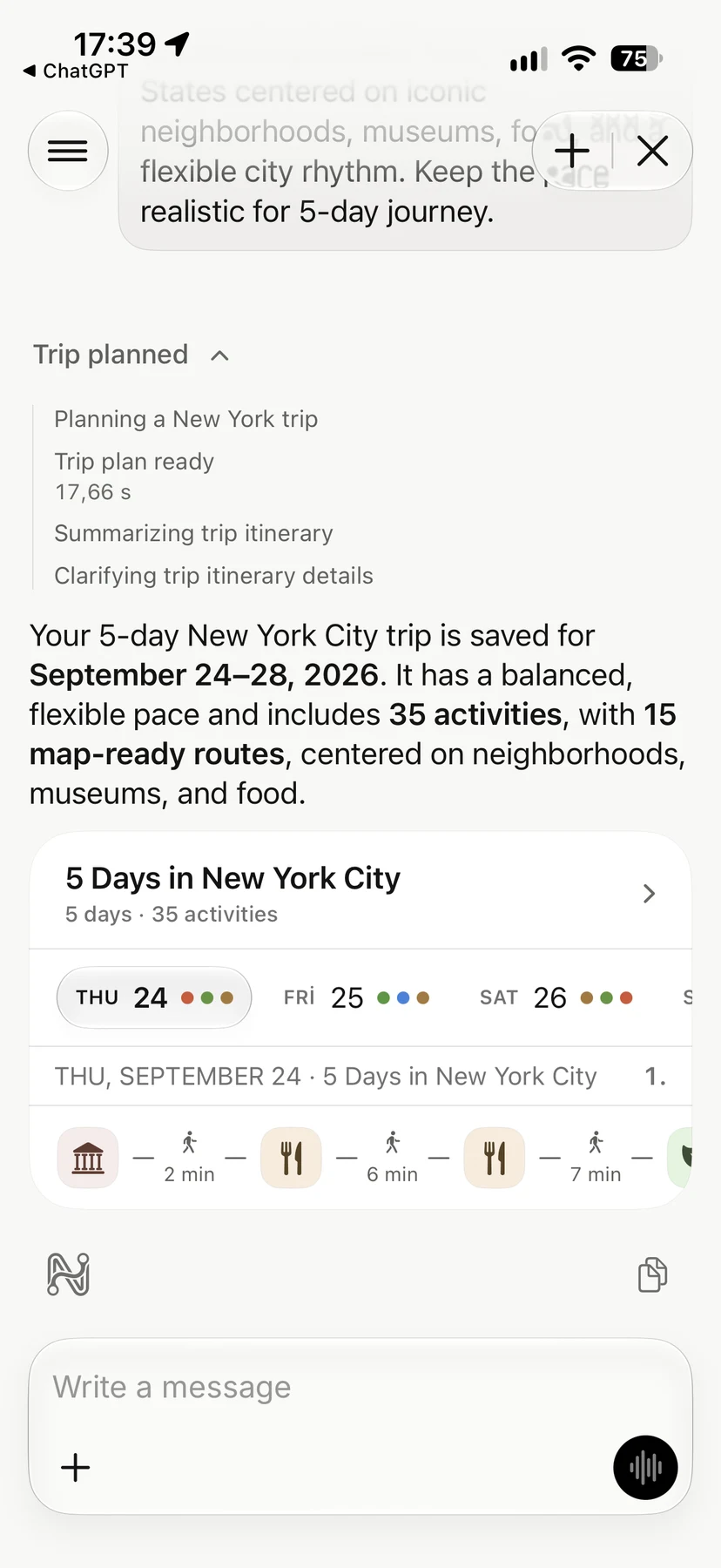
How to Plan a Trip with AI on iPhone, Step by Step
Plan a trip with AI without losing control: what to ask, what to check, and how to turn an AI draft into a day-by-day itinerary you can follow on your iPhone.
Trip planning · 2 min read